














What your customers see
This chapter follows a customer through your shop: from the header link to the order confirmation email. Everything appears in the customer’s shop language.
The notice link
The link Your legal guarantee rights appears in every placement you switched on (Legal notice › Placements): header, footer, category and search pages, product pages, the cart, the reassurance block and your own position. At checkout it becomes the sentence Please check your legal guarantee rights before buying.

- The link, here as a text link. With the Button style it is a small blue button.
The notice window
A click on the link, or a short hover when you chose Click or hover, opens the official notice in full, in colour and in the customer’s language.
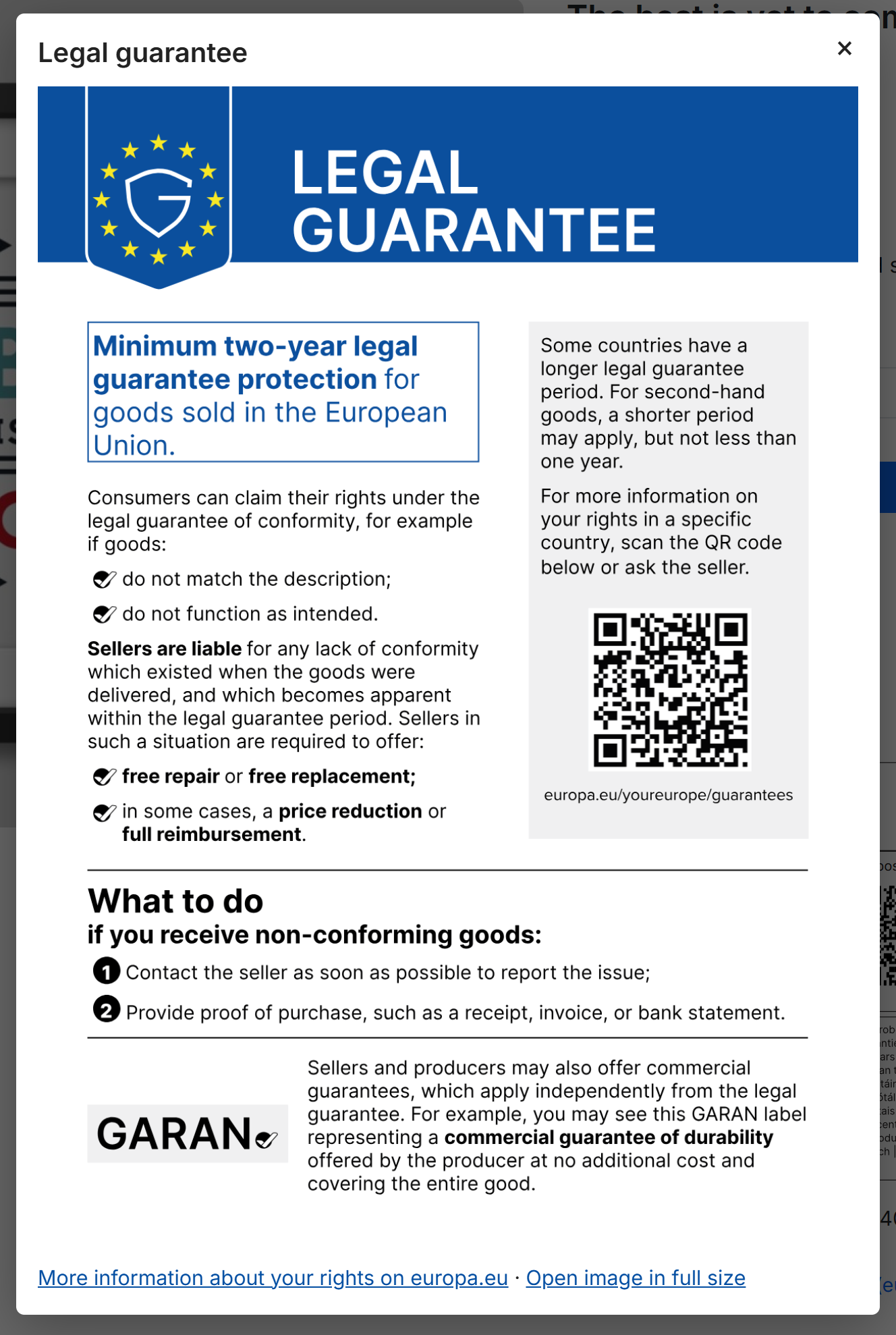
- The title of the window.
- The official harmonised notice. Customers scroll inside the window on small screens.
- The clickable link to the Your Europe page on the legal guarantee, the same page as the QR code.
- Open image in full size shows the notice alone, to zoom in.
- The close button. The Escape key and a click outside the window close it too.
The window works with the keyboard and screen readers, and loads the notice image only when it opens. Customers whose browser runs no JavaScript, or who open the link in a new tab, get a plain page with the same content instead; the labels have such a page too. Search engines are asked not to index these pages.
The GARAN label on the product page
A product with a qualifying producer guarantee shows the full label where you placed it (GARAN label › Display), with a caption and the link to the European Commission’s explanation of the label.
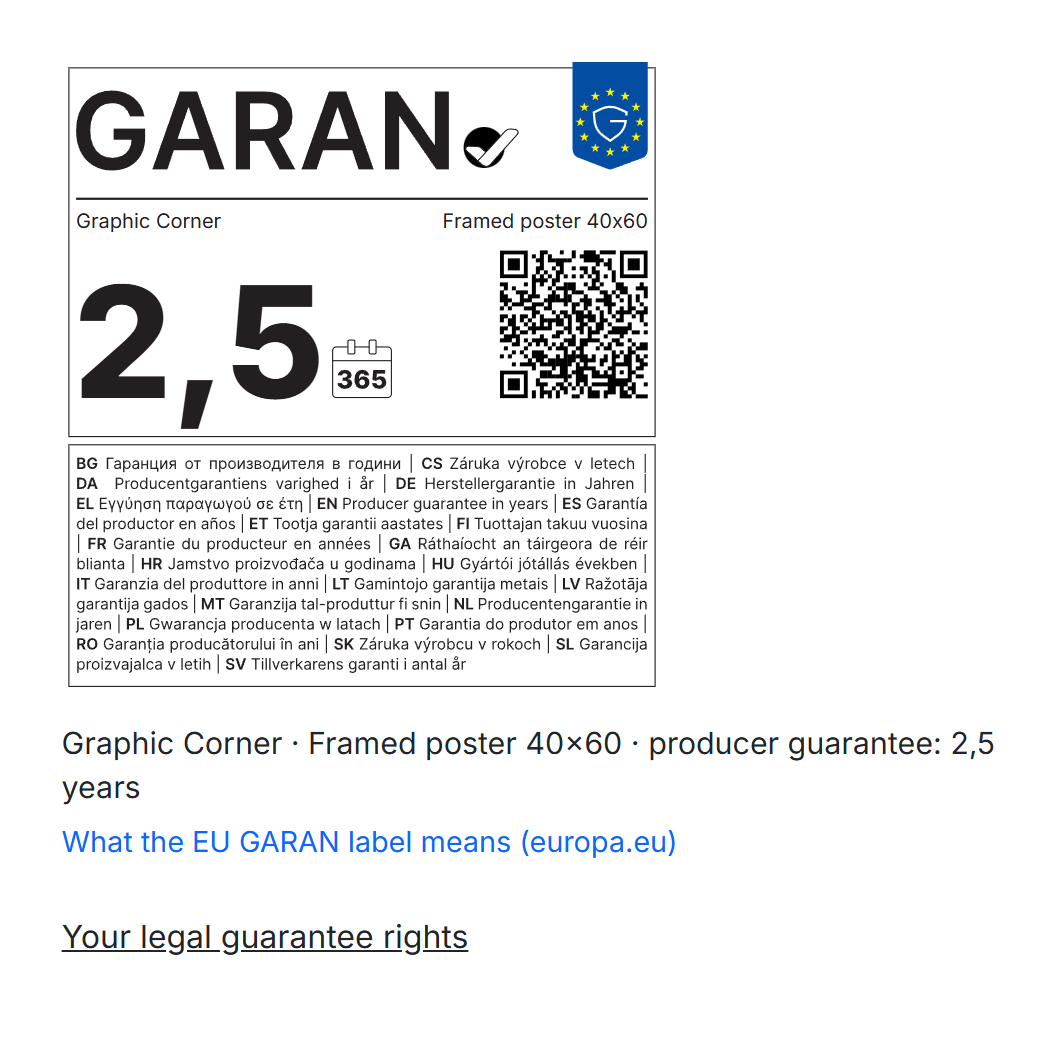
- The full GARAN label with the producer’s brand, the model and the duration.
- The caption: brand, model and “producer guarantee: 2,5 years”.
- What the EU GARAN label means (europa.eu): the page the label’s QR code leads to.
- The notice link of the product page.
A click on the label opens it in a larger window, which customers can also open in full size:
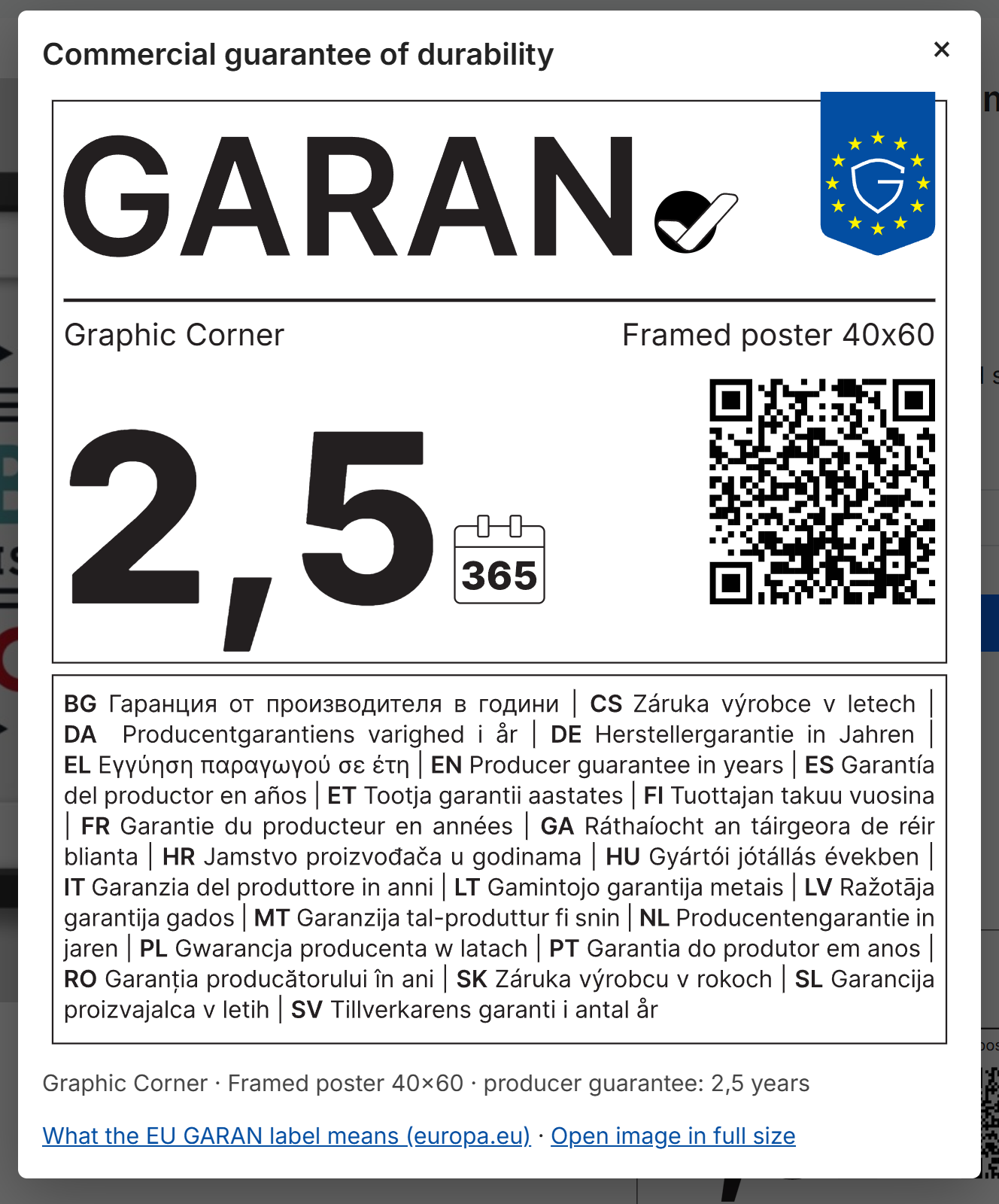
- The label in a large, readable size.
- The caption.
- The link to the Your Europe page on the commercial guarantee of durability.
- Open image in full size.
- The close button.
Nested labels on product cards
On category pages, search results and product carousels, labelled products show the compact nested label. It carries the duration and opens the full label on click (or hover), as the guidelines require.
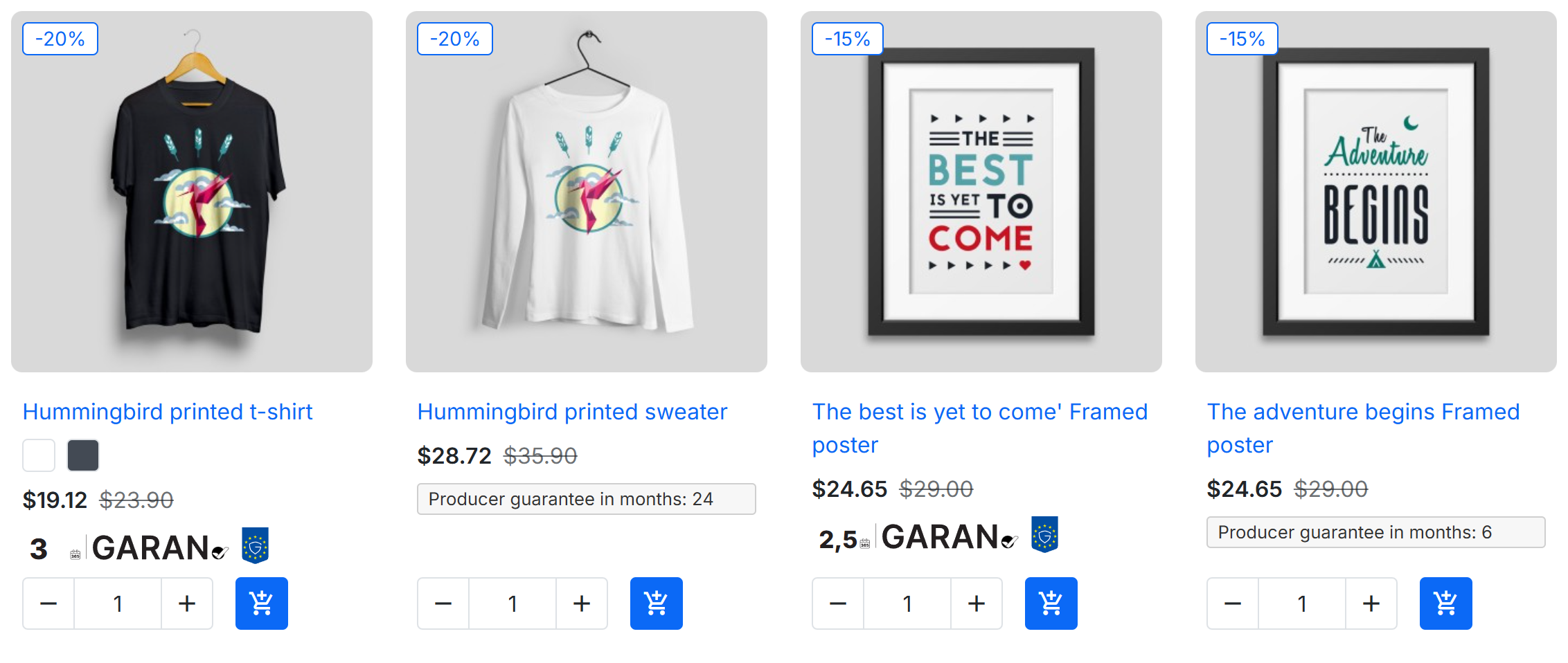
- The nested label: the duration, the calendar symbol, “GARAN” and the EU guarantee shield.
- A producer guarantee of 2 years or less appears as a plain mention instead (Short producer guarantees).
The cart
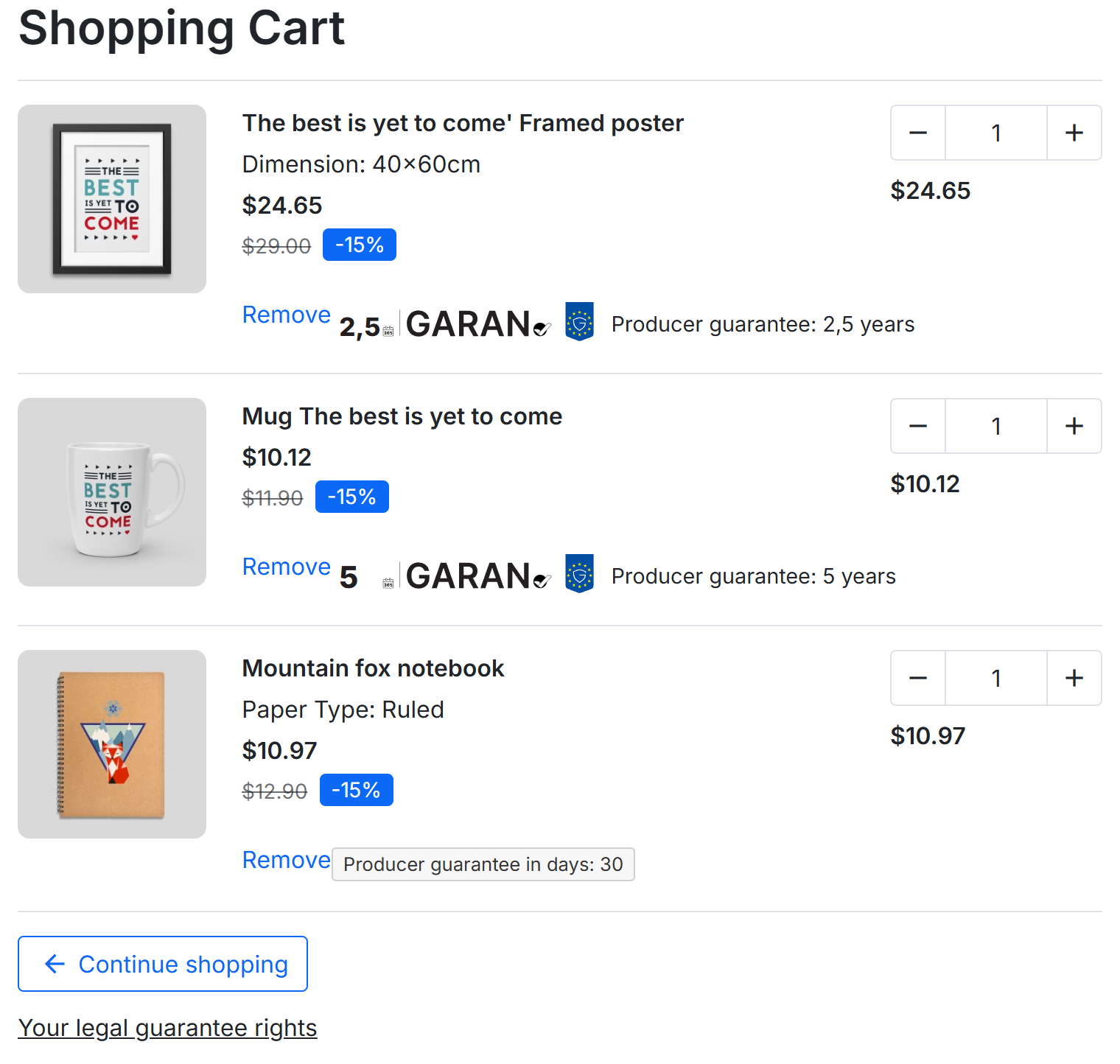
- The nested label of the product, which opens the full label.
- The duration in words, for example “Producer guarantee: 5 years”.
- The notice link under the cart.
The checkout
On the payment step, directly before the order is placed, the block Guarantees for the products in your order lists every product of the order that has a producer guarantee, followed by the notice sentence.
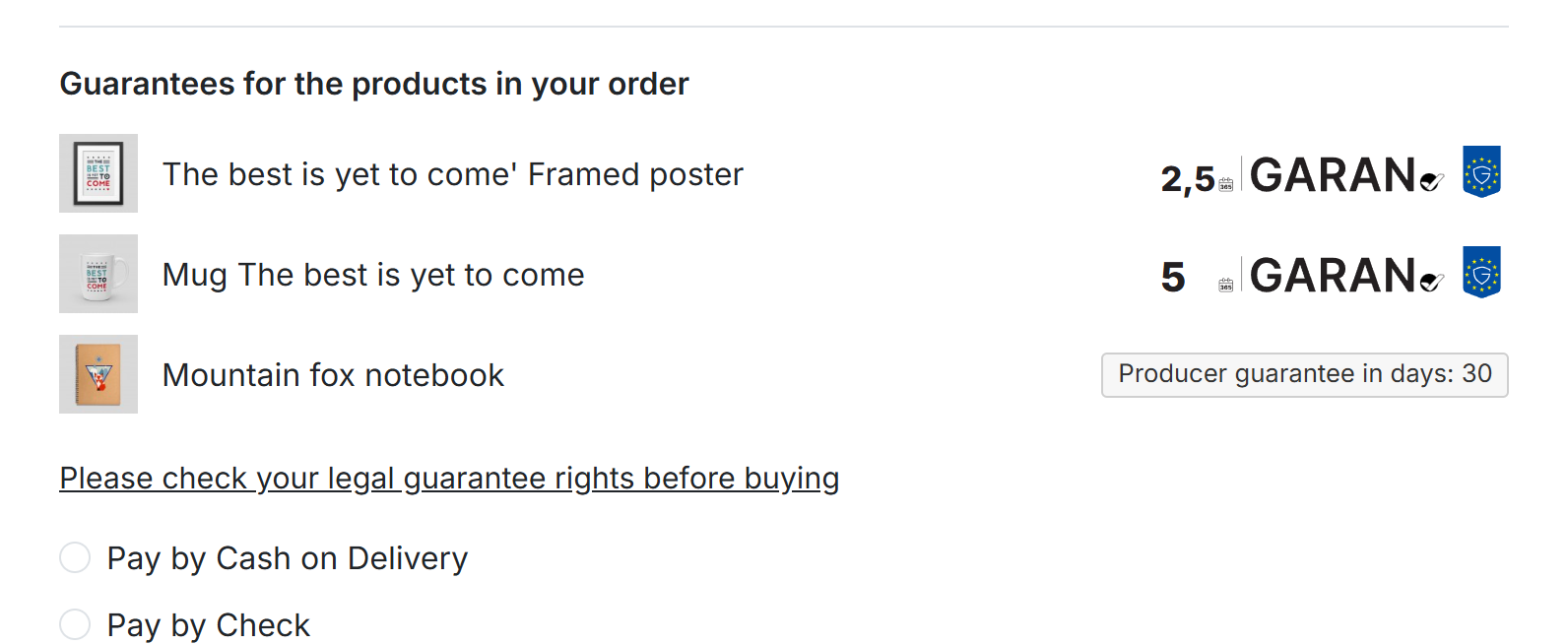
- Guarantees for the products in your order.
- Each labelled product with its nested label (or the plain mention of a short guarantee).
- The checkout sentence, which opens the notice.
The order confirmation email
The order confirmation contains the notice and the labels of the ordered products, right after the list of products. Email programs that block images still show the texts and the links.
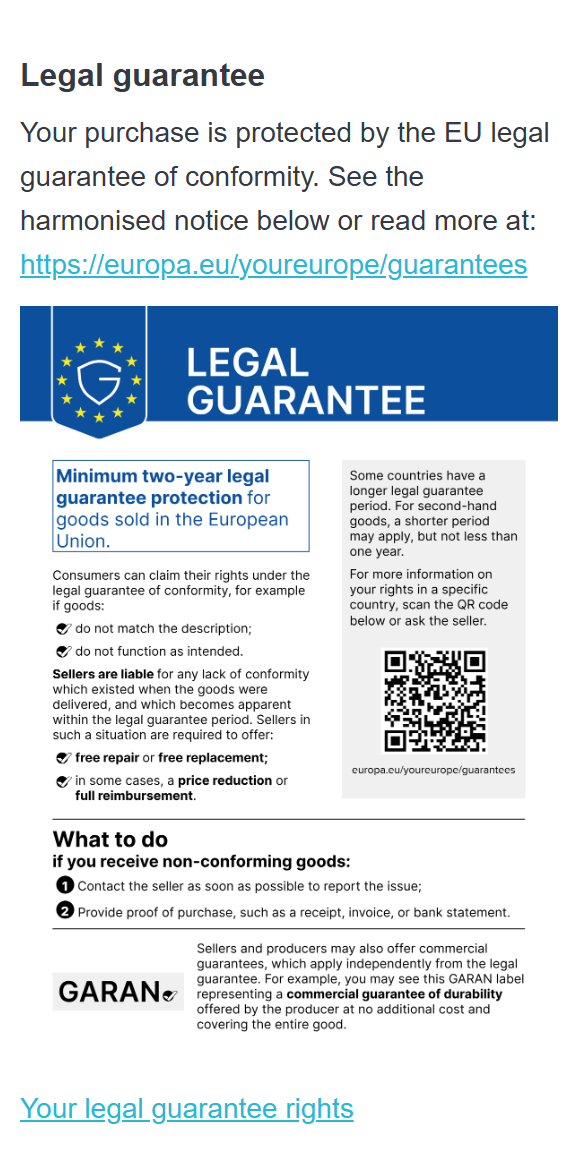
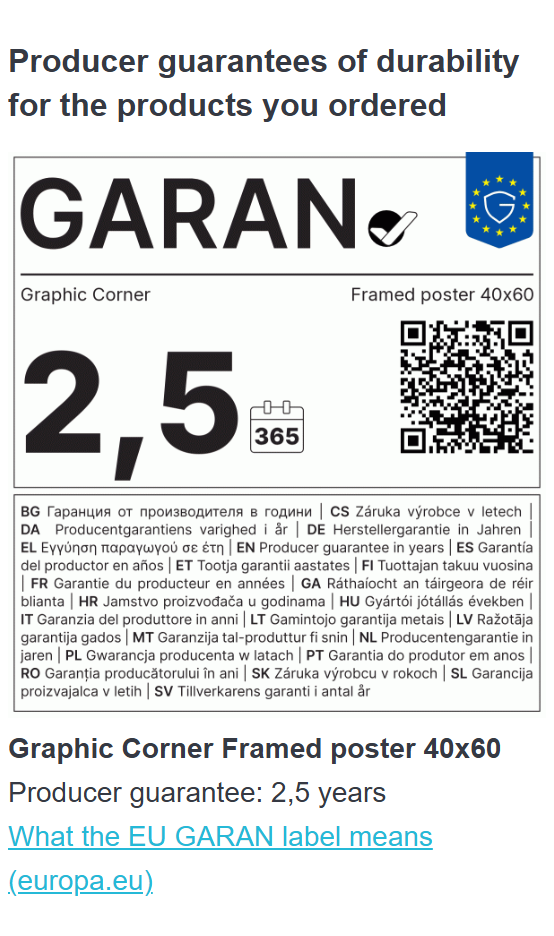
- The legal guarantee sentence with the Your Europe link.
- The official notice as an image.
- Producer guarantees of durability for the products you ordered.
- The label of each labelled product.
- Brand, model, duration and the link to the explanation of the label.
With PDF attachment (Emails › Order emails), the email also carries the official notice as a PDF in the customer’s language, named for example legal-guarantee-en.pdf. Existing attachments, such as an invoice, are kept.
Languages
- The notice, its link and every text of the module follow the shop language of the page. Each language has its own official notice and its own Your Europe address.
- The GARAN label is the same in every language: its “producer guarantee in years” line is printed in the 24 EU languages. Only its caption, link text and alternative text change.
- The order email follows the language of the order.